We deliver to your EXACT specification
Want to increase your number of bookings whilst improving the efficiency of your operations?
Here at System Bookings we don’t believe in the ‘one size fits all’ approach, which is why we specialise in delivering booking software that is tailored to your exact specification. No matter what type of business you run or what service you offer, we will design, develop and implement a booking software solution to meet your unique needs and requirements.
Unlike other software development companies, we offer personalised services that ensure you get the most value out of your booking system. Not only do we offer free consultations, which are carried out in person and designed to get to know you and your business better but we also provide first class training and aftercare services too.
Why we are different
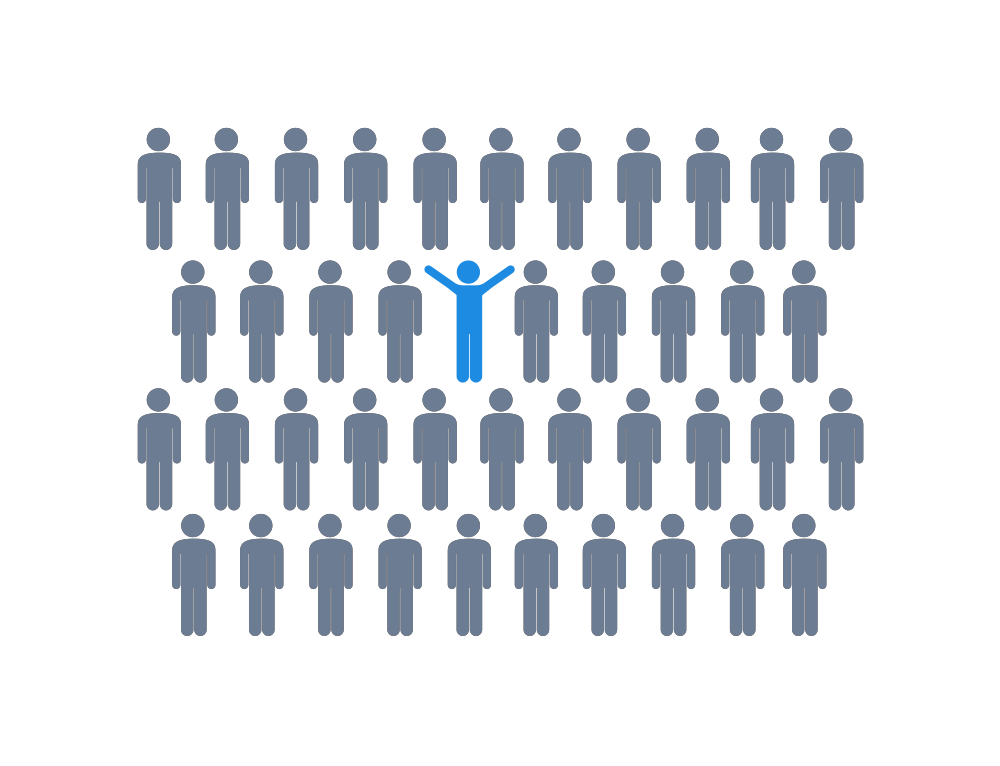
Since 2009, System Bookings has been catering to businesses of all sizes and industries, offering them tailored booking system solutions. Our extensive experience in the field allows us to leverage our existing core system to deliver exceptional booking software developments. Rest assured, your unique booking system will be customized exclusively for your business, ensuring a seamless fit with your specific requirements and objectives. We take pride in our ability to deliver bespoke solutions that perfectly align with your needs, providing you with a reliable and efficient booking system that sets you apart from the competition.
While all our booking software developments are built upon our robust core system, we want to emphasize that your booking system will be entirely tailored to your individual needs. Our team is dedicated to crafting a unique and personalized solution that aligns perfectly with your business requirements. By leveraging the capabilities of our existing core system, we ensure a solid foundation for your booking software. However, we go the extra mile to guarantee that the final product is customized exclusively for you, reflecting your specific preferences, workflows, and objectives. With our commitment to providing a truly bespoke experience, you can be confident that your booking system will be designed to cater to your distinct needs, setting you up for success.

Match The Look And Feel Of Your Website
When visitors come to your website with the intention of making a booking or reservation, it is crucial that your booking form maintains a consistent look and feel, seamlessly blending in with the rest of your website. If the form appears distinct, lacking your logo, or gives off an unprofessional vibe, it can discourage potential clients from utilizing it. We understand the significance of providing a cohesive user experience, and that’s why we prioritize ensuring that your booking form not only aligns visually with your website but also exudes a sense of professionalism. By incorporating your branding elements and adhering to your website’s design aesthetics, we aim to create a seamless and appealing booking experience that instills trust and confidence in your clients, ultimately boosting conversions and customer satisfaction.
This is why System Bookings specialises in creating customised booking systems. Our team of talented designers will use your company colours and branding so that your booking system matches the existing design of your current website. As well as helping your business maintain a professional image, this will also increase customers’ confidence in booking online, as they will know they are making a booking with your company and not a third party.
If you do not currently have a website, there is no need to panic! We can still create a professional custom design for your booking system, along with branded email templates to go with it. Our developers also specialise in building websites, so if you are interested in having your own business website, feel free to get in touch!
Scalable booking solutions
It is our aim to provide booking systems that not only meet our clients current requirements but their future needs too. This is why we deliver our booking solutions with the functionality to facilitate business growth, without any further cost to you.
Here at System Bookings we like to do things a little differently. Instead of charging clients on a per unit basis, we allow them to use their solution across as many locations as they need to.
For example, say you had five salons but were planning on opening a sixth. Instead of having to pay System Bookings more money for your solution, you simply head to the admin panel of your booking software and add it to your new salon.
Some of our existing clients are using their booking system in over 450 locations, showing just how scalable our solutions are. With System Bookings it’s easy, it’s scalable and most importantly it’s cost effective!

Getting it right first time
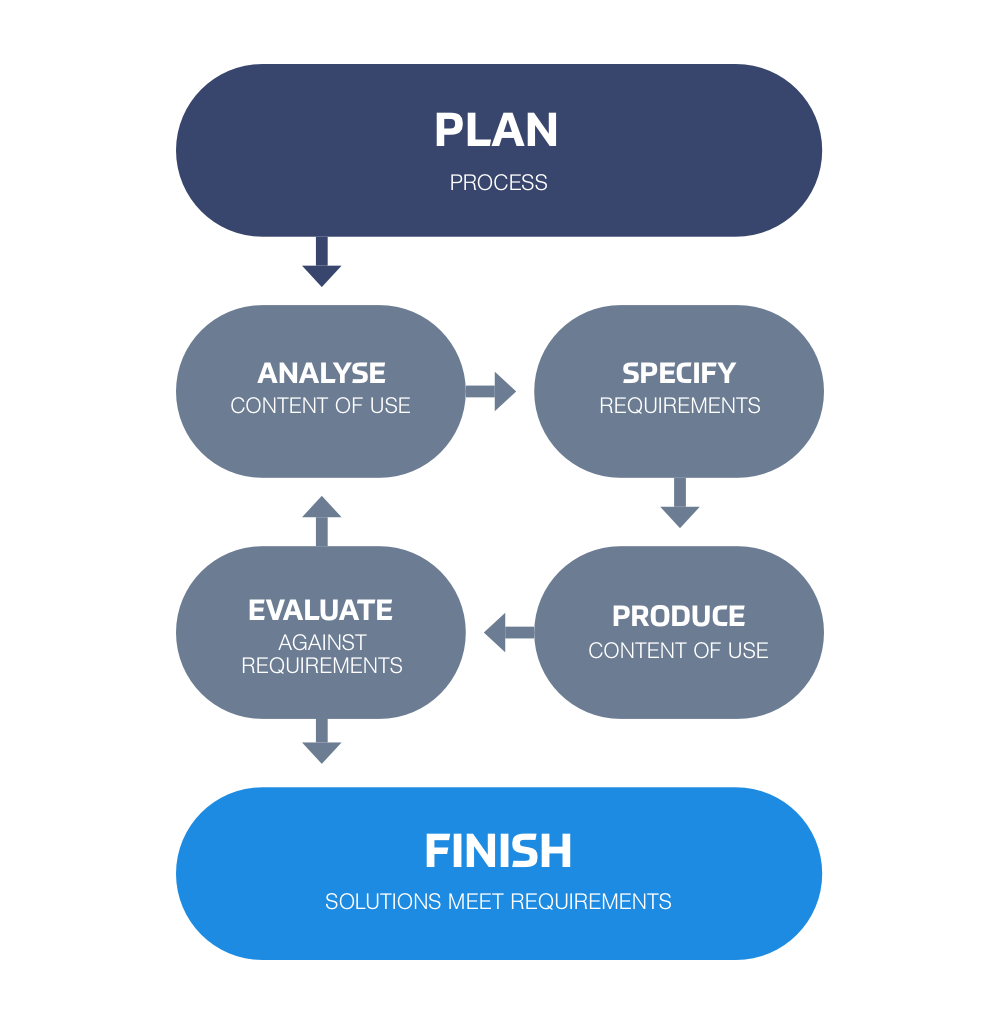
Here at System Bookings we pride ourselves on offering first class, customised booking systems with exceptionally quick turnaround times. The reason we are able to deliver completed systems so quickly is that we put in the effort to make sure we get clients’ booking systems right first time!
Whereas with other development companies you might receive a couple of email updates here and there, with System Bookings you will receive a far more personalised service. Our development team will spend days working closely with you to ensure that the online booking system we create is exactly what you are looking for.
After your free consultation, which can take place at our office or yours, you will be assigned a project manager who will be your first point of contact. It will be their job to keep you informed every step of the way, ensure your development is on track and deliver a booking system that meets your exact specification.
Talk to an expert
Call us today on 0207 205 2099 or use the button below to speak to a sales person online
0207 205 2099